Free up to 24 frames · Mac + browser
A La Hacienda tool · Medford, MA

Contact sheets.
Without the bullshit.

A browser-based contact sheet generator. Drop a clip, get a grid, export clean. Runs 100% local.

0uploads
bytes sent to a server
~3sec
for a 12-frame grid
8out
export formats
1tab
entire app, single HTML
§ 01 — Examples

Real cuts.
Real sheets.

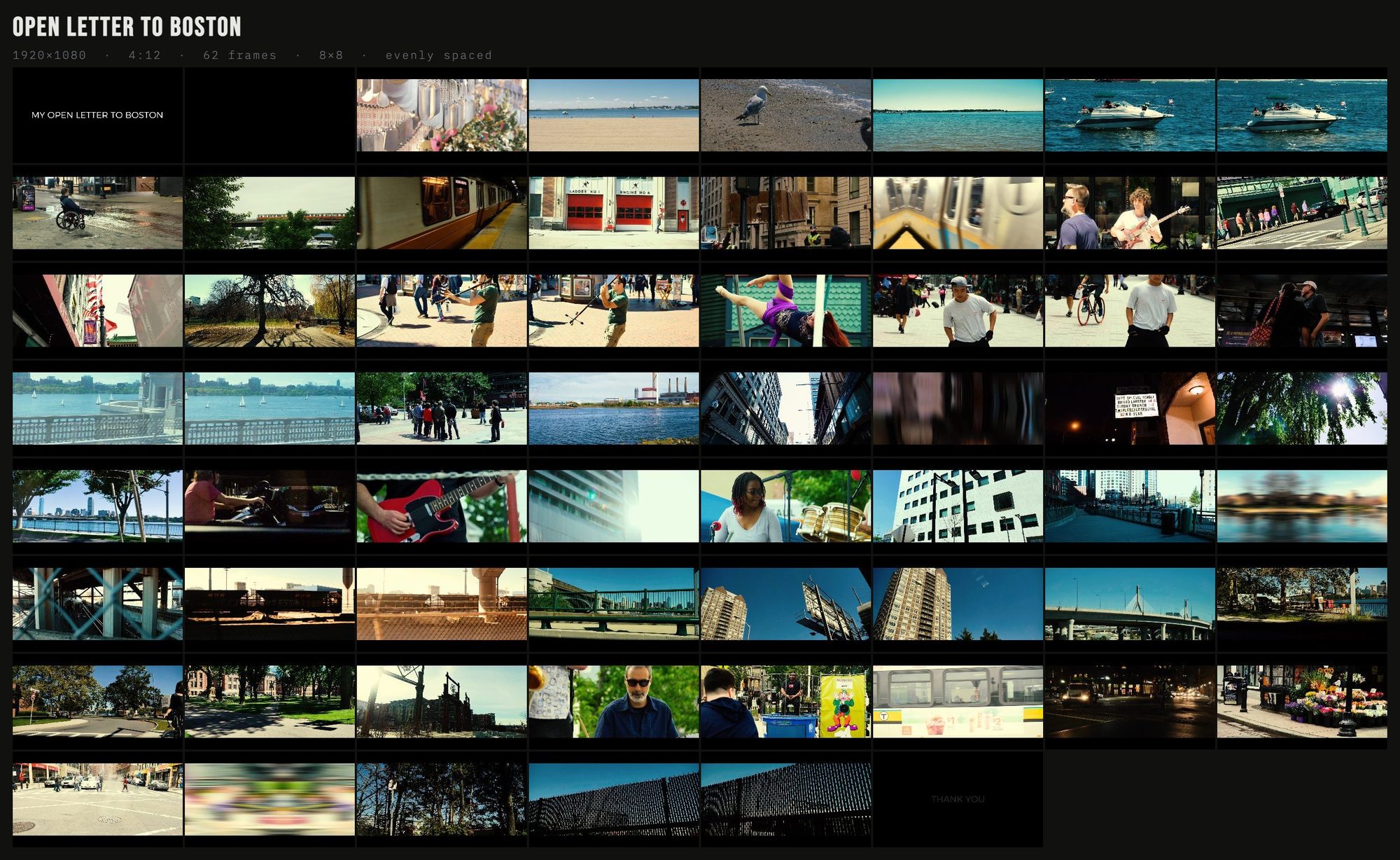
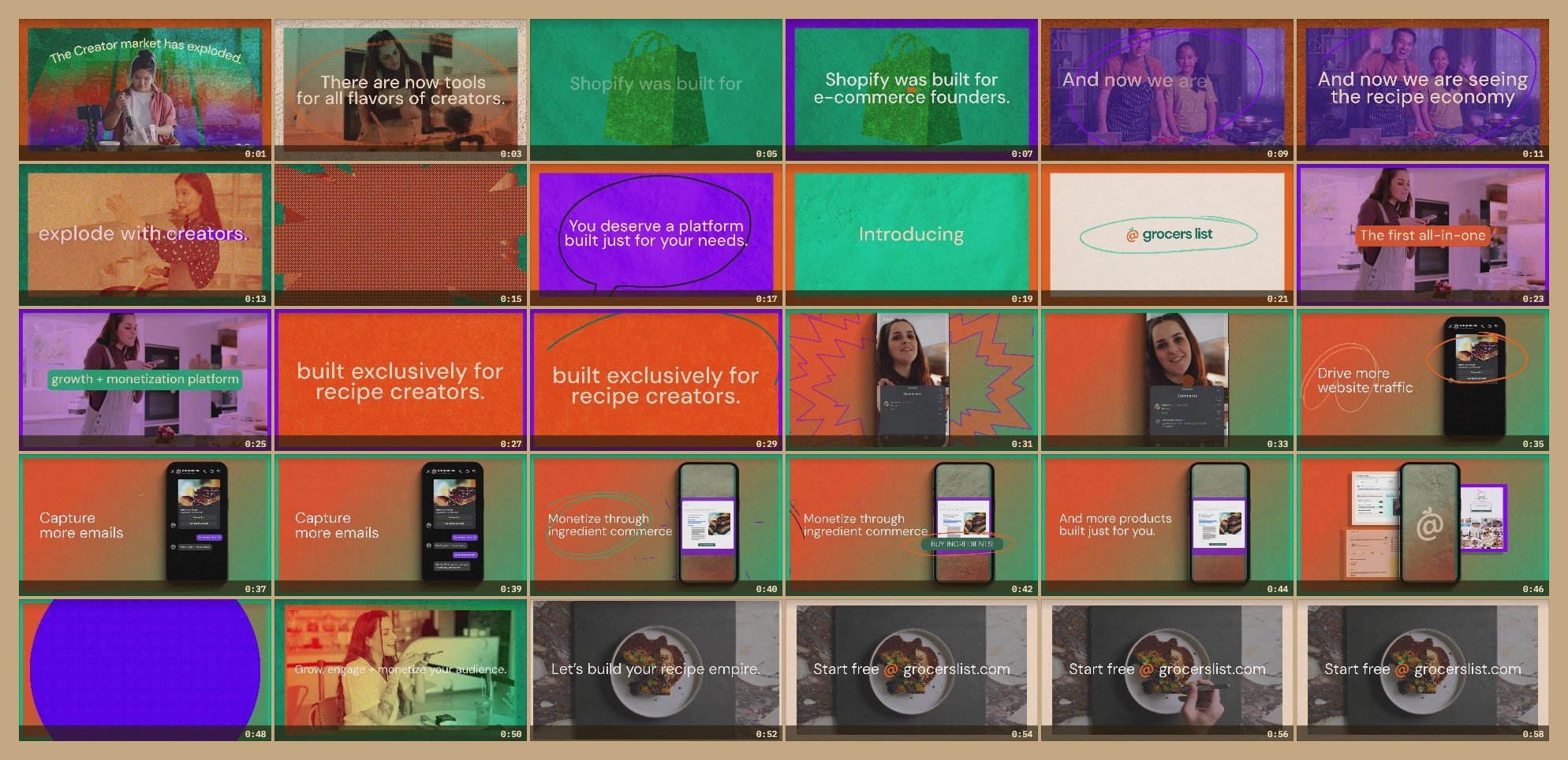
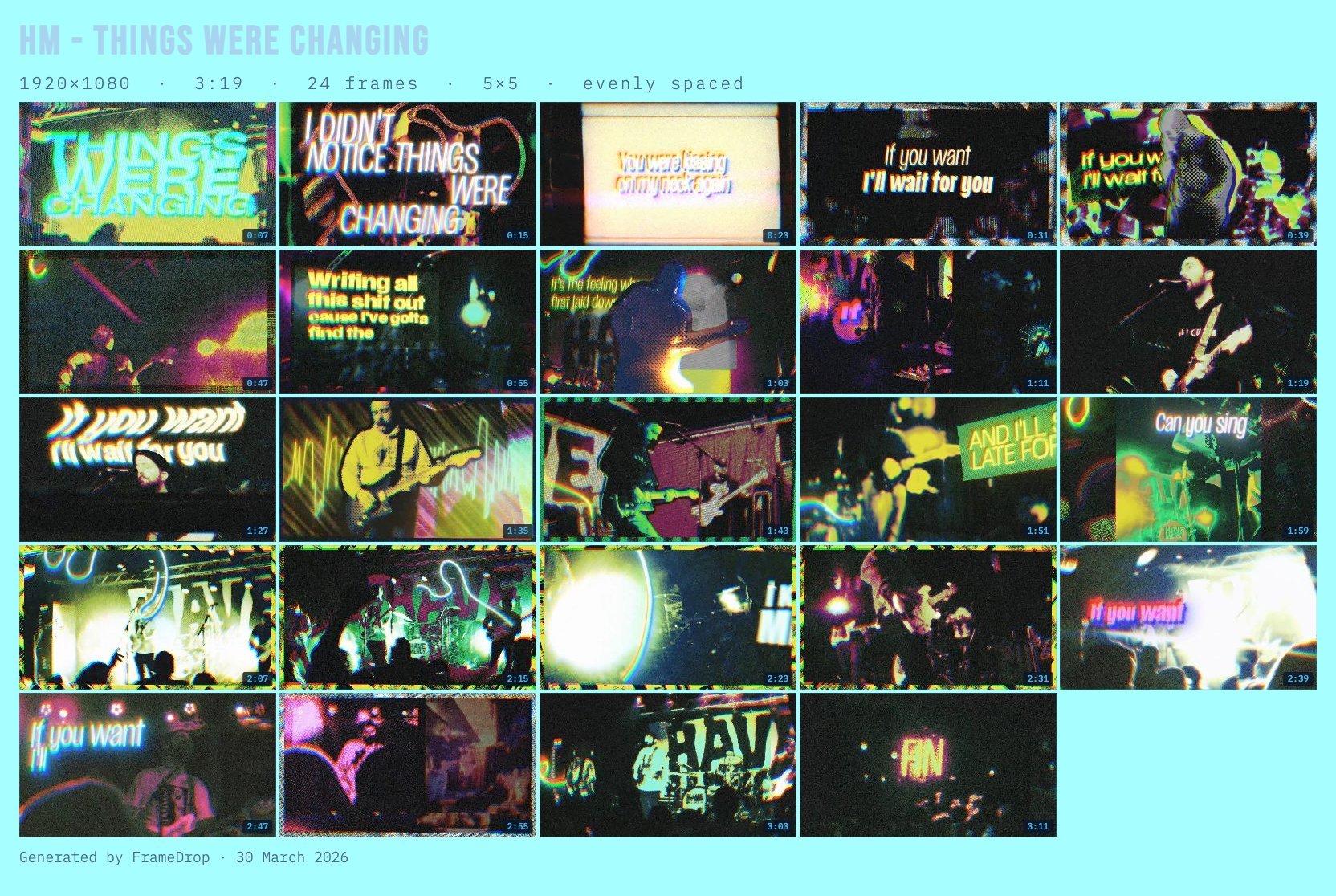
Five projects out of our own studio — live sets, music videos, a personal film, a client launch. Straight out of FrameDrop, no retouching.
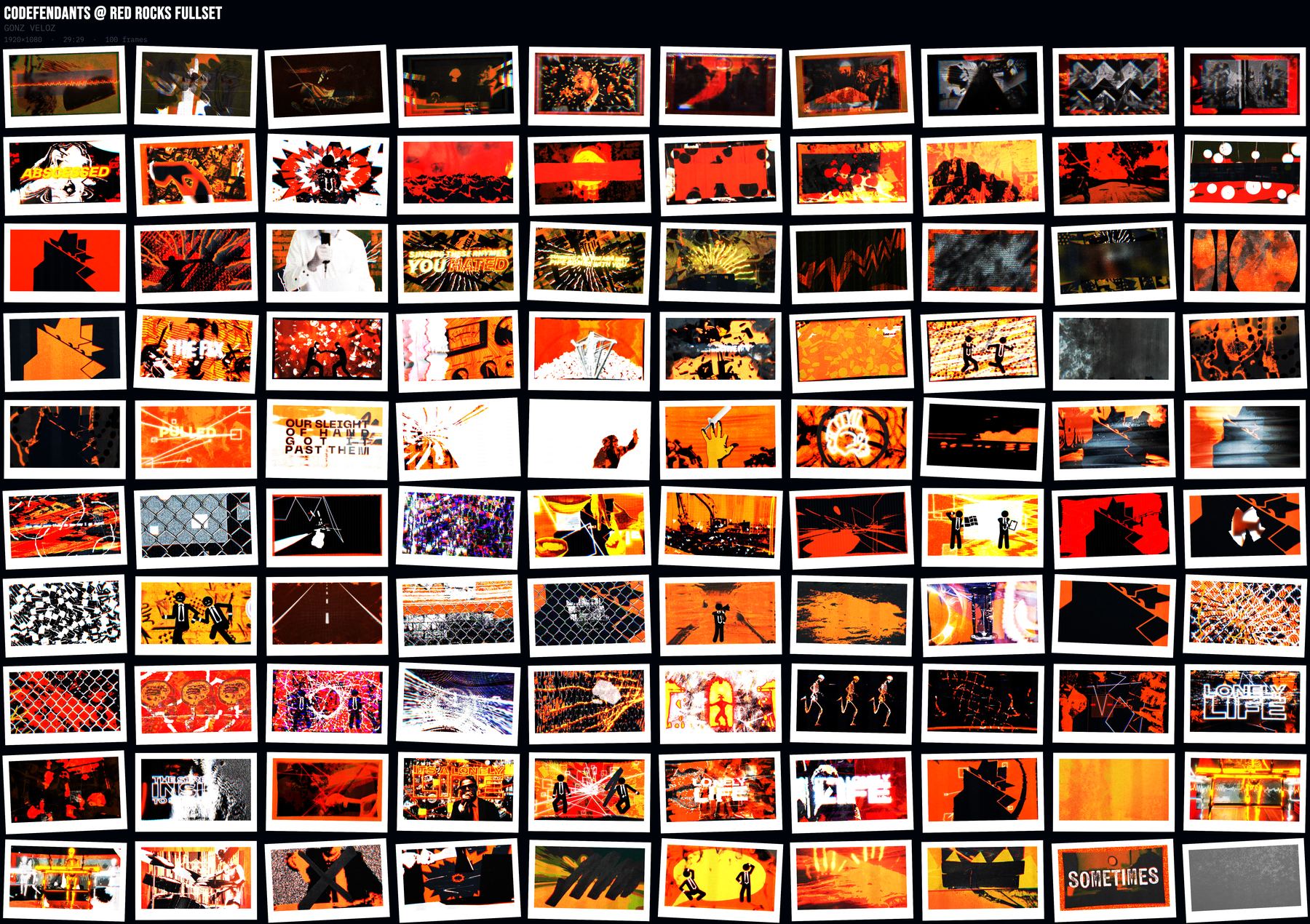
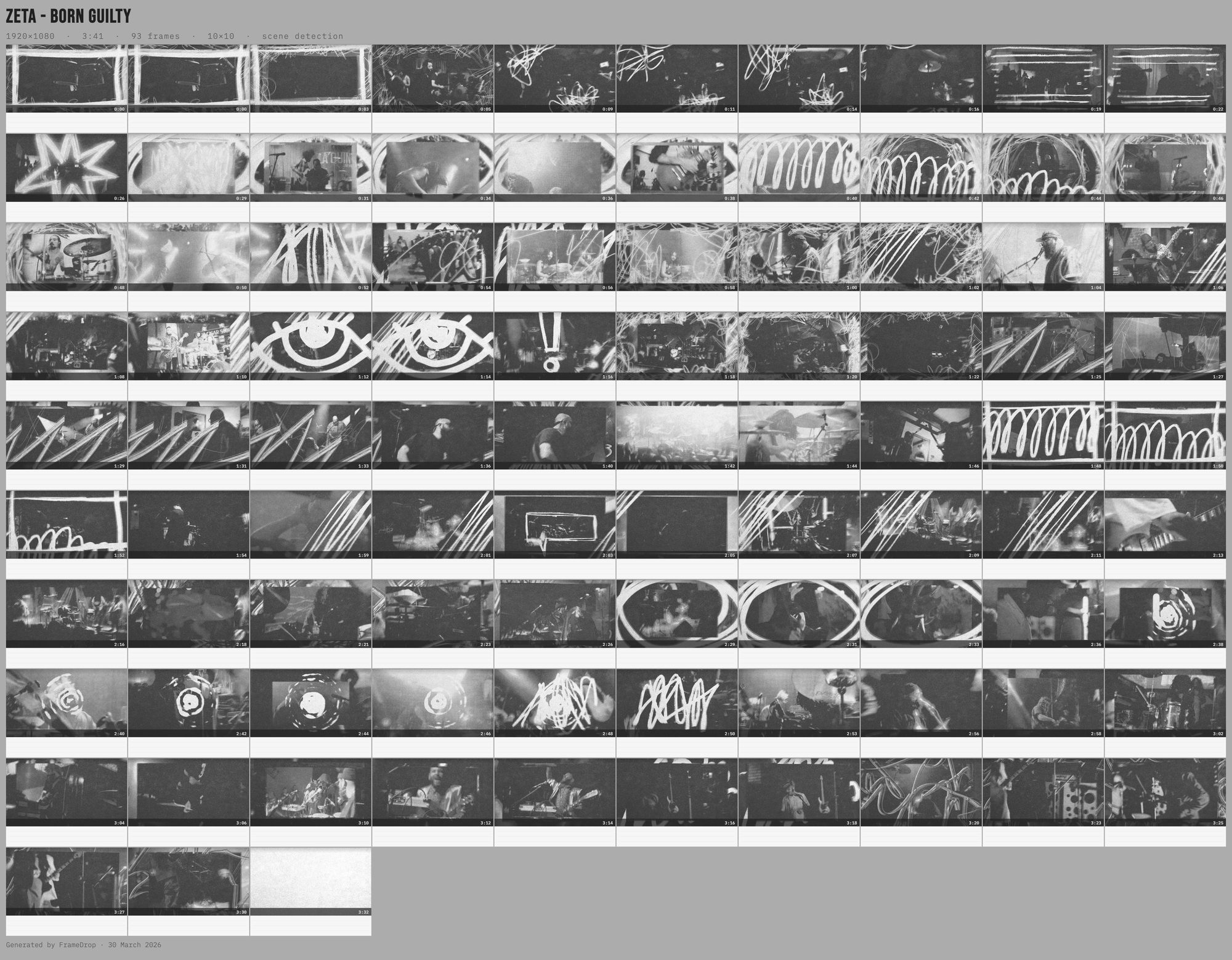
Click or tap a sheet to see it full size.
§ 02 — The kit

One job.
Done right.

⬇
F/01

Export the way the deliverable demands.

Eight formats, zero format-tax.

PNG JPG PDF PSD SVG GIF ZIP PRINT
◉
F/02

Nothing leaves your machine.

No upload. No login. No tab history to clean up.

▦
F/03

Four layouts.

Grid, filmstrip, moodboard, polaroid.

◈
F/04

Presets that remember everything.

Layout, grade, aspect, grid, checkboxes — named and recallable in one click.

⟲
F/05

Click a frame. Replace it.

Scrub, swap, done. No re-render.

▶
F/06

Actually animated GIFs.

Real GIF89a encoder, not a screen recording hack.

▤
F/07

Print-shop-ready PDF.

Bleed, color bars, slug info, CMYK flags.

⌘
F/08

Keyboard-first.

Space generates. ⌘E exports. R reorders. A annotates.

⬡
F/09

Send frames to Figma.

Export your contact sheet directly to Figma — each timestamp a named component, manifest included. Ready for decks, storyboards, client reviews.

DROP. GENERATE. EXPORT.
§ 03 — For

Made for people
who ship the cut.

→ 001
Editors
Client asks for an overview at 6pm. Preset → generate → PNG. Back to the edit in 30 seconds.
↗
→ 002
Directors
Pitch deck needs reference stills. Drop the MP4, moodboard layout, drag to order. Deck writes itself.
↗
→ 003
Cinematographers
Show a colorist the full range of a scene. Timestamped grid, PDF, meeting ready.
↗
→ 004
Motion designers
Storyboards from an animatic. Filmstrip + note areas + layered PSD out.
↗
→ 005
Post supervisors
Archive a cut. One sheet per scene, ZIP of raw frames, searchable visual log.
↗
§ 04 — Questions

Things people
actually ask.

Does my video get uploaded? +
No. The file stays on your machine. Nothing leaves the browser tab — check your network panel if you want to verify.
Why not just do this in Premiere? +
You can. It takes 20 clicks, a nested sequence, and an export pass. FrameDrop takes one.
What file formats work? +
MP4 (H.264/H.265), WebM, OGG. MOV/ProRes works too. If in doubt, export H.264 from your NLE.
How much? +
Free up to 24 frames per sheet, in every FrameDrop app. A $10 one-time license takes you up to 120 frames — in the browser, the Mac app, the Figma plugin and the Premiere panel, with one key. The license goes on sale with 1.0.
What's free? +
Everything except sheets over 24 frames. Every layout, every export format, color palettes, opening a video from a URL, and ProRes/MOV in the Mac app. No app is ever locked, no watermark, no account.
What does the $10 license unlock? +
Sheets of 25 to 120 frames, everywhere you use FrameDrop. One-time, no subscription, 14-day refund. In the Mac app one key works on up to 3 Macs; the browser and the plugins don't count toward that.
What about the Figma plugin and the Premiere panel? +
Same deal: free up to 24 frames, and the same key unlocks 120. Your key is checked with Gumroad when you enter it and about once a month after that. Never your footage.
How fast? +
60-second 1080p clip → 12-frame grid in about 3–5 seconds. Tweaks after that are near-instant (cached frames).
Who made this? +
La Hacienda — a creative studio in Medford, MA. Run by Gonz Veloz. FrameDrop was built for his own edits, then shared.
Found a bug? +
Tell us. Links in the footer. We iterate weekly. Or check the full docs for troubleshooting steps.
Looking for more?
framedrop.video/docs
§ 05 — Mac app

A native Mac app.
Available now.

ProRes and MOV support out of the box. Transcodes on-device using Apple Silicon — no browser headers, no file size limits, no quirks.

h264_videotoolbox Apple Silicon Cached transcodes arm64 + x64
Download for Apple Silicon ↓ Download for Intel ↓
v0.2.3 · macOS 12+ · Signed & notarized by Apple · Free up to 24 frames

Free up to 24 frames per sheet, ProRes and MOV included. A $10 one-time license for up to 120 frames — in every FrameDrop app — arrives with 1.0.

Install

Open the .dmg and drag FrameDrop into Applications. That's it — the app is signed & notarized by Apple, so it opens with no warnings.

UPDATES

What shipped.

v0.2.3
Jun 2026
  • → Mac app signed & notarized by Apple — drag to Applications and open, no Gatekeeper workaround
  • → Separate downloads for Apple Silicon and Intel Macs
v0.2.1
May 2026
  • → Right-click any frame for Replace, Edit caption, Copy, Download, or Remove (with Undo)
  • → Mobile + small-window onboarding fix — tour card no longer covers the GENERATE button on narrow viewports
  • → Non-blocking export error toasts (PSD, GIF, PDF) replacing the old blocking dialogs
  • → MOV transcode hardening — multi-sample brightness probe, 3 s timeout, clearer errors when the converter can't load
v0.2.0
Apr 2026
  • → Color palette toolkit — larger sample canvas, deduplication, count stepper (4–48), sort by Luma/Hue/Sat
  • → Palette exports — Copy all (HEX / CSS / JSON / RGB), download as PNG, SVG, or ASE swatch for Adobe apps
  • → Parallel frame extraction — 4 worker threads, progressive canvas rendering, proactive prefetch
  • → Frame-accurate seeking — seeked event + 500ms fallback eliminates wrong-frame captures
  • → Spanish i18n — full EN/ES toggle across app and landing page
v0.1.0
Apr 2026
  • → Initial release — Grid, Filmstrip, Moodboard, Polaroid layouts
  • → 8 export formats — PNG, JPG, ZIP, GIF, PDF, SVG, PSD, Figma package
  • → Scene detection, evenly spaced, every N seconds, manual timestamps
  • → MOV/ProRes transcoding via Mac app (h264_videotoolbox, cached) + in-browser via ffmpeg.wasm
  • → Drag-to-reorder, click-to-replace, captions, annotations, keyboard shortcuts, presets, session restore
The 45-second tour
No sound — captions tell the story. Recorded in the real app.